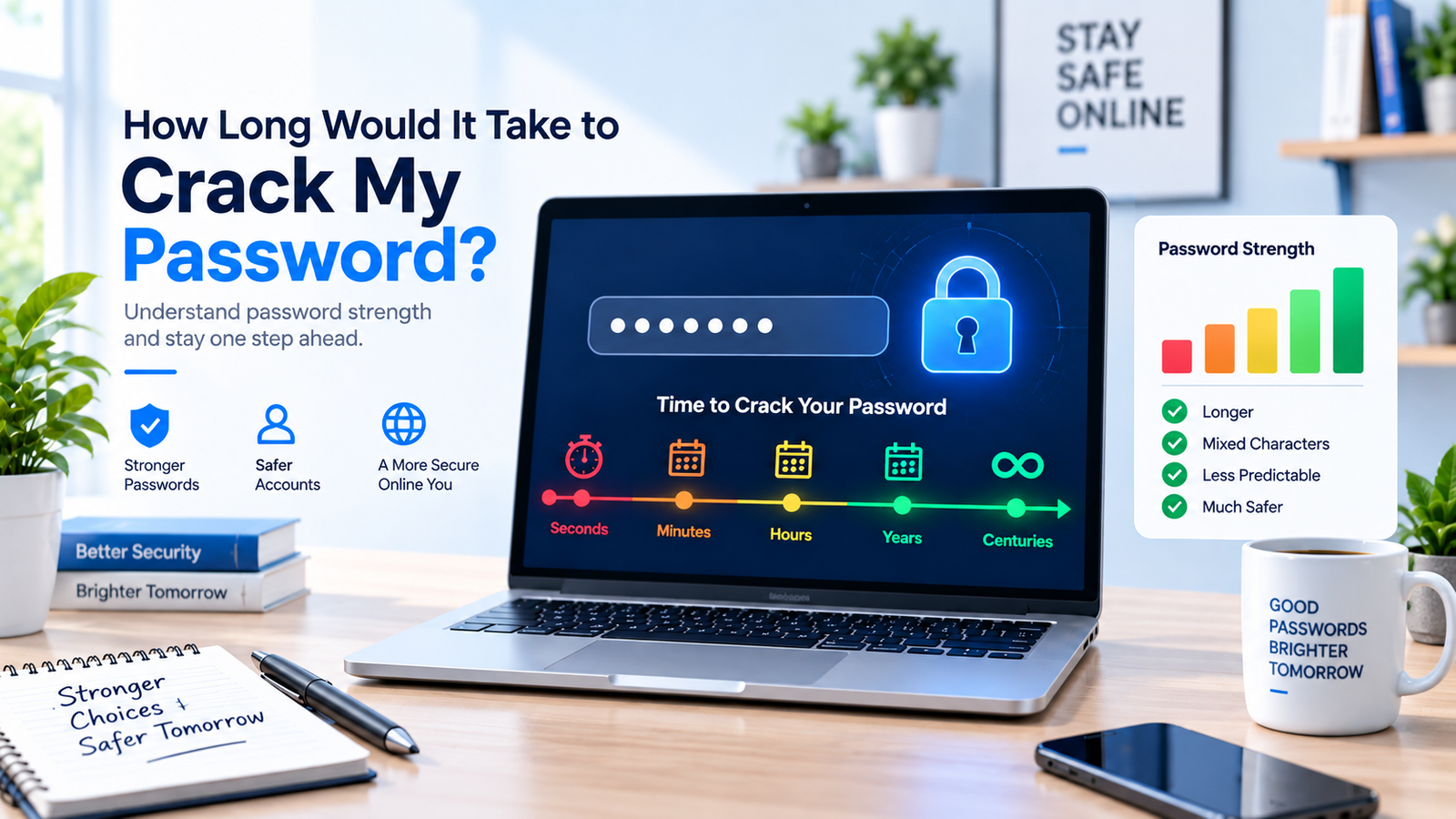
How Long Would It Take to Crack My Password?
Wondering how long it would take to crack your password? Explore our password strength chart and learn how length, complexity, and...
Read More →
Convert SVG to PNG, JPG, or WEBP and optimize vector code. Fast, free, and right in your browser.
Three simple steps to convert or optimize one SVG file — or a whole batch.
Select one or many vector files you want to convert or optimize from your computer.
Use "Convert to Image" to rasterise the whole batch, or "Optimize Code" to clean up the selected SVG.
Get each high-quality PNG, JPG, or WEBP one by one or as a ZIP — or your clean, minified SVG code.
SVG stands for Scalable Vector Graphics — an XML-based format that describes images using geometric shapes rather than pixels.
SVG uses mathematical paths instead of pixels, making it resolution-independent and infinitely scalable.
Images stay crisp at any zoom level, from tiny favicons to massive billboards.
The go-to format for brand marks, app icons, and interface elements that need pixel-perfect rendering.
SVG files are typically smaller than raster equivalents, speeding up page loads and reducing bandwidth.
Built on XML, SVGs can be edited in any text editor, styled with CSS, and manipulated with JavaScript.
While SVG is powerful, sometimes you need a raster format for compatibility and sharing.
Not every platform renders SVG. Email clients, older software, and some social networks require PNG or JPG.
Raster formats embed everything in a single file that opens on any device without special viewers.
From iOS to legacy Windows, JPG and PNG display identically everywhere, avoiding rendering bugs.
Convert vector paths to pixel grids when you need photo-editing, printing, or predictable output.
Tools like Photoshop and Canva work more naturally with raster layers than embedded vectors.
SVG is the smartest choice for modern web graphics. Here's why.
Scale to any dimension without losing a single pixel of quality. From 16px icons to 16K displays.
Vector paths produce mathematically precise curves and lines. No blurry edges, no artifacts.
Simple icons can weigh under 1 KB. Even complex illustrations stay leaner than raster alternatives.
Smaller assets mean quicker paint times, better Core Web Vitals, and higher search rankings.
One SVG adapts to every breakpoint. No need for separate 1x, 2x, and 3x raster files.
Built for speed, quality, and privacy. Everything runs in your browser.
Results appear in under a second. No server round-trips, no waiting in queues.
Precision rendering preserves anti-aliasing, gradients, and transparency faithfully.
Export to PNG, JPG, or WEBP with custom dimensions and background colors.
Full functionality on phones and tablets. Upload, convert, and download from any device.
Drop your file directly onto the page. No browsing through folders required.
Files never leave your device. All conversion runs locally in your browser session.
No sign-up, no trial limits, no watermarks. Unlimited conversions at zero cost.
One click saves the converted file directly to your default downloads folder.
From branding to data visualization, SVG is everywhere.
Crisp on every screen
Lightweight & scalable
Figma, Sketch exports
Data-driven charts
Adaptive to any DPI
Consistent everywhere
Shave kilobytes off your vectors with these battle-tested techniques.
Remove editor metadata, empty groups, and default attributes that add bloat without visual impact.
Strip hidden layers, clip-paths that clip nothing, and duplicate paths merged by union operations.
Use the Minify tab above to collapse whitespace and comments before embedding inline or hosting.
Enable Gzip or Brotli on your server. SVG is text-based and compresses 60-80% in transit.
Fewer KB per icon means faster LCP, lower bounce rates, and better search-engine signals.
A growing suite of free, browser-based utilities for designers and developers.
Read our newest tutorials, guides, productivity tips, and helpful articles from RandomCount.
Wondering how long it would take to crack your password? Explore our password strength chart and learn how length, complexity, and...
Read More →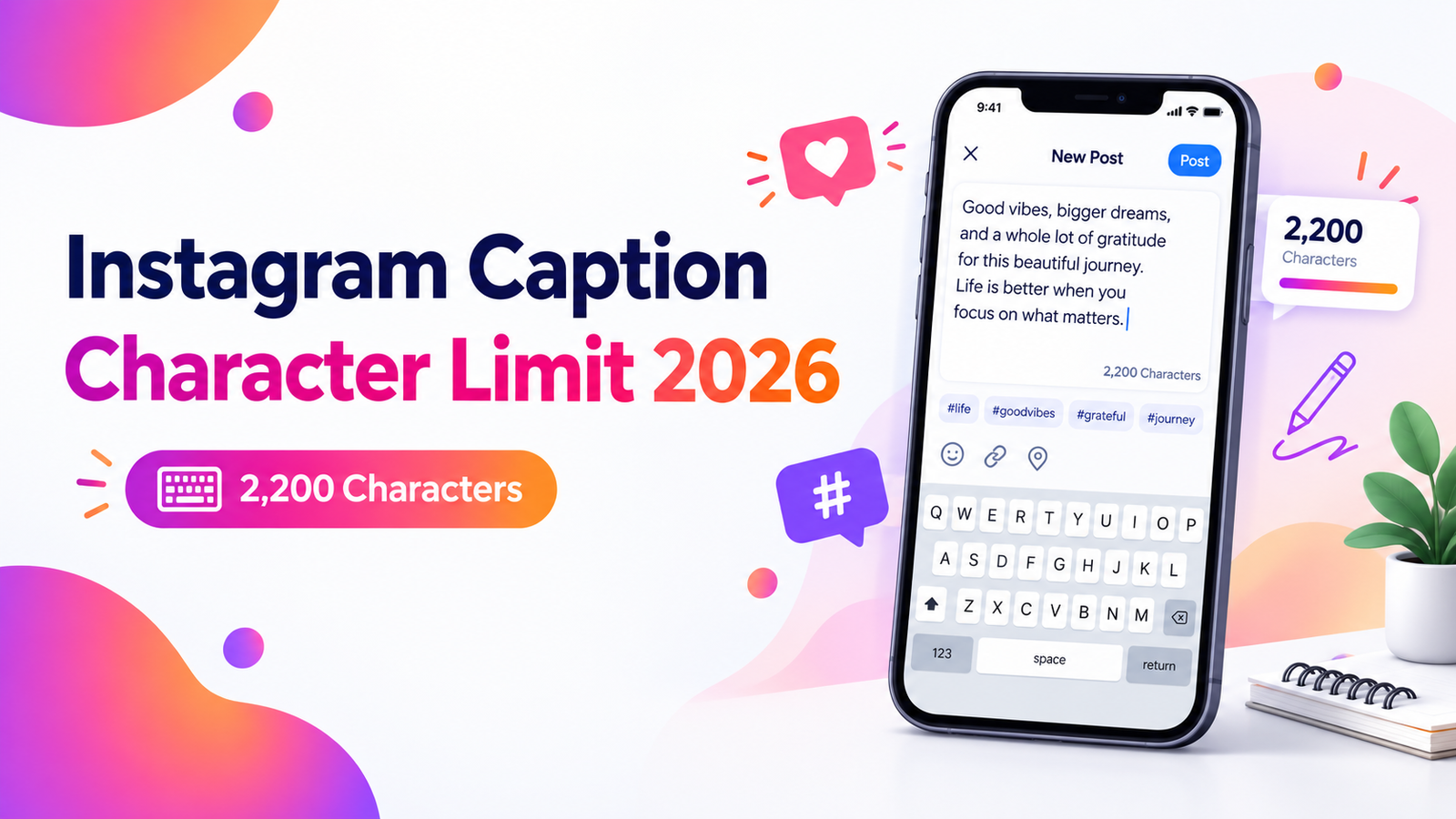
Learn the Instagram caption character limit in 2026, what counts as a character, how much text people see first, and simple tips f...
Read More →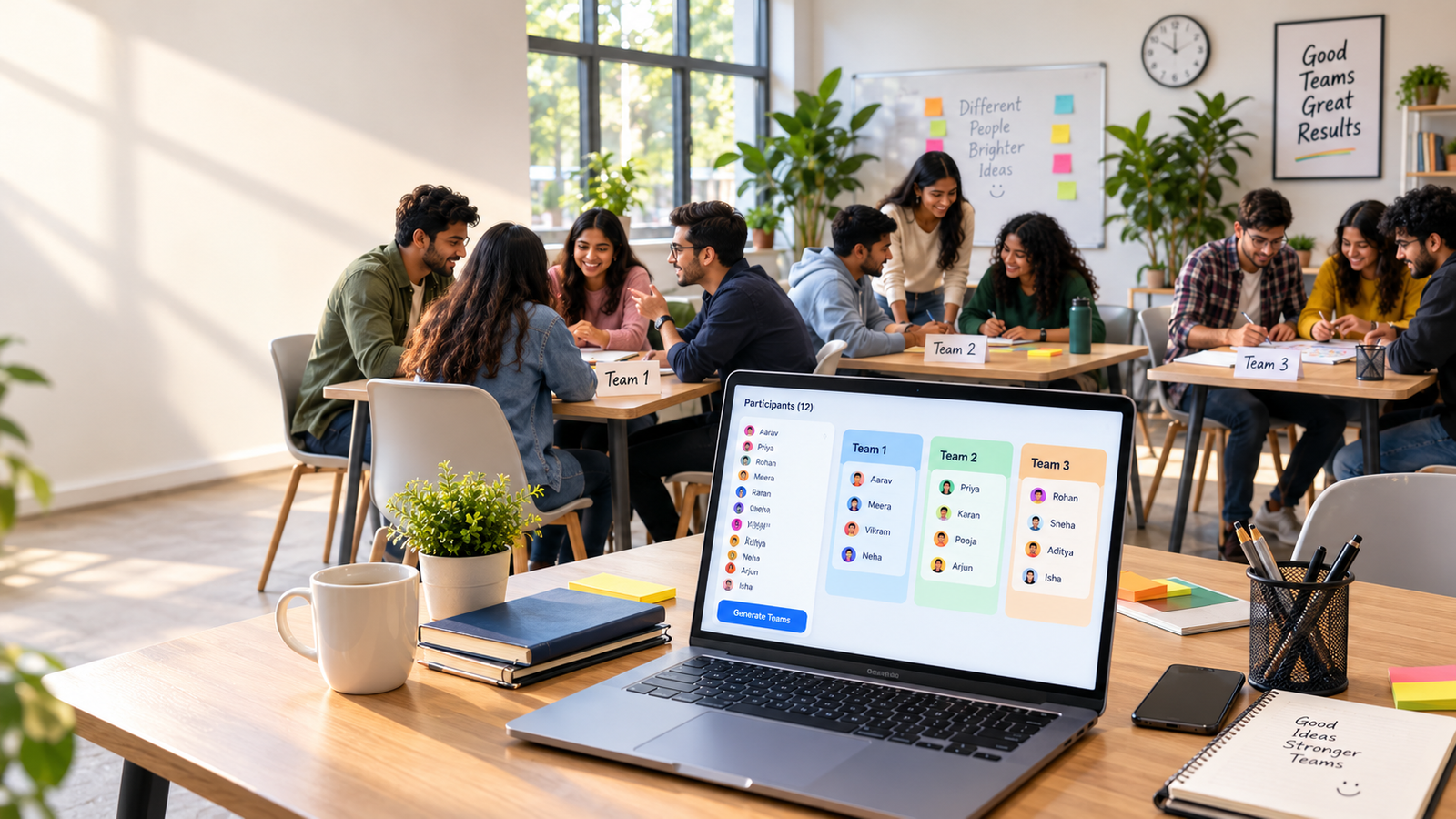
Learn how to turn randomly generated teams into organized, enjoyable groups with clear roles, simple rules, fair participation, be...
Read More →Quick answers to common questions about SVG conversion.
An SVG (Scalable Vector Graphic) is an image defined by math rather than pixels, so it stays razor-sharp at any size. Designers and developers use SVGs for logos, icons, and illustrations on the web. RandomCount's free SVG converter turns SVGs into PNG and other formats instantly and privately.